

Payment failure
If a payment didn't complete — wallet timeout, insufficient balance, cancellation — SUQO shows the failure page. No money was taken; you can retry without worry.
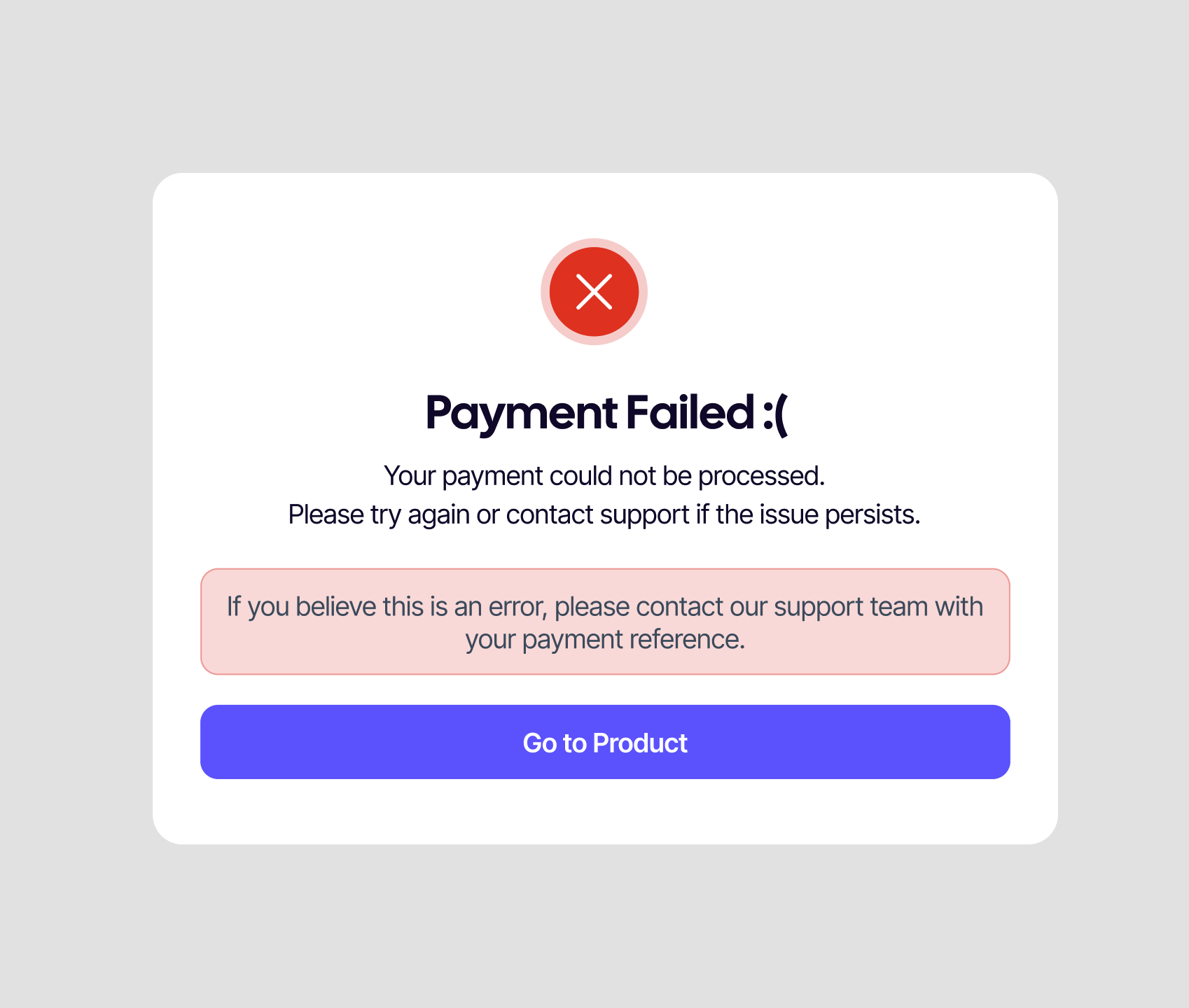
What you see
- A message explaining the payment didn't go through.
- The wallet's error reason if it sent one.
- A button to retry — back to the product page or the buyer dashboard.
Common reasons
| Reason | What to do |
|---|---|
| Insufficient balance | Top up the wallet or pick a different one. |
| Wallet session expired | Retry — the session resets each attempt. |
| Cancelled at the wallet screen | Click Retry; you'll go back to the wallet. |
| Bank declined the transaction | Check with your bank or use a different wallet. |
| Network glitch | Retry on a stable connection. |
Was I charged?
No. Failure means the wallet didn't confirm the payment to SUQO. If your wallet shows a temporary debit, it's a hold and is reversed automatically — usually within a few hours, sometimes up to 5 business days depending on the bank.
If you see a charge but no subscription
- Open My transactions and check whether the transaction is Pending or Failed.
- If Pending, wait — see Settlement for normal timing.
- If Failed but your wallet shows a debit, contact your wallet's support with the reference ID. They'll release the hold.
- If still unresolved after a day, contact SUQO support with the same reference ID.
Tip: A retry doesn't create a duplicate subscription — SUQO uses the same checkout context. You'll only end up with one subscription, even if you try several wallets.