

Creating an account
Sign up with your phone number and a password, then verify the phone with a six-digit OTP. The same account works whether you end up using SUQO as a seller, a buyer, or both.
Before you start
- A Nepali mobile number you can receive SMS on (10 digits).
- A password at least 8 characters long.
Step 1 — Open the registration page
Go to the SUQO website and click Sign up in the top-right corner. You'll land on the registration form.
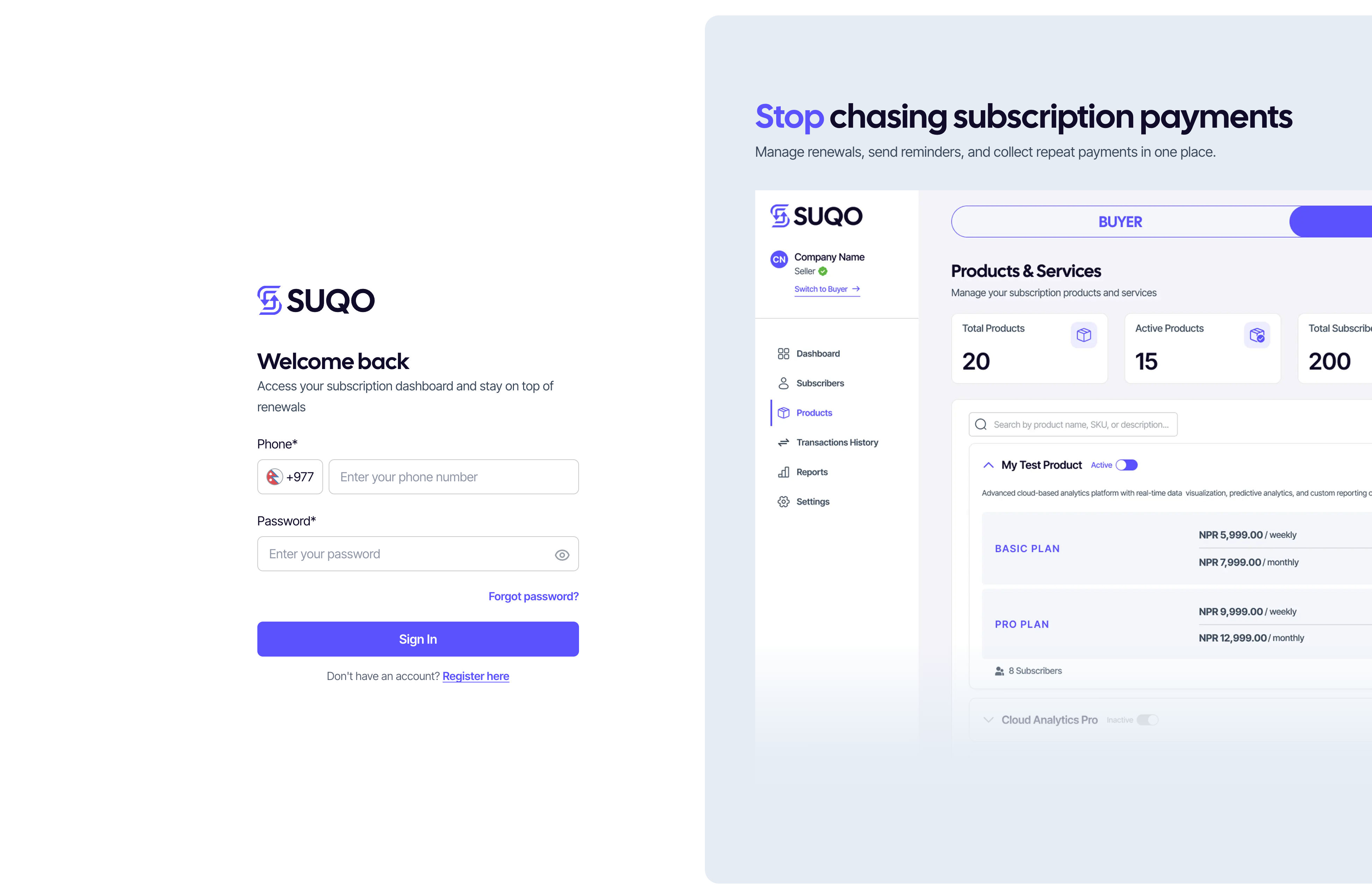
Step 2 — Fill in your details
- Phone number — enter your 10-digit mobile number. You'll use this to log in from now on.
- Password — at least 8 characters. Use the eye icon to show or hide what you type.
- Confirm password — re-type the same password.
If anything is missing or invalid, an inline error or an error message at top of the form appears below the field. Fix it and try again.
Step 3 — Verify your phone
After you submit the form, SUQO sends a 6-digit OTP to your phone and shows the verification screen. Your number is partially masked for privacy (first 2 and last 5 digits visible).
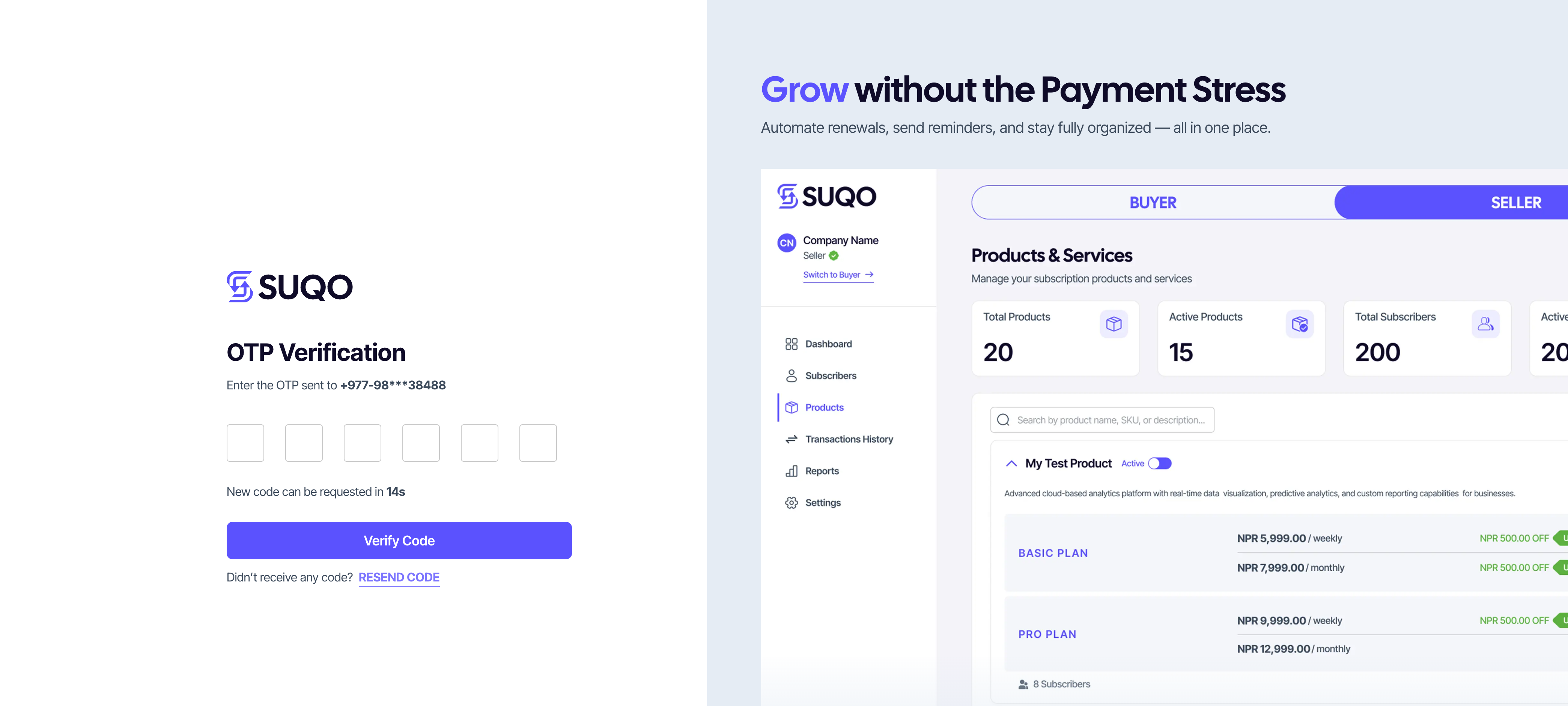
- Type each digit into the six boxes, or paste the whole code in one go — both work.
- The boxes accept numbers only.
- If you don't receive the SMS within 30 seconds, click Resend code.
Step 4 — Switch to the right place
Once verified, SUQO redirects you to the buyer view:
- If you wish to use SUQO as a seller, click on the sidebar menu to switch to the seller dashboard and fill up your business profile (KYC). Your account will be verified within 1-2 business days, after which you can start adding products and plans.
Tip: If you didn't get an OTP after a couple of resends, check that the
phone number you typed is correct. Carrier delays are common in the first 30 seconds — try once before
resending.