

Settings
The settings page is for account security. Right now it covers one thing: changing your password.
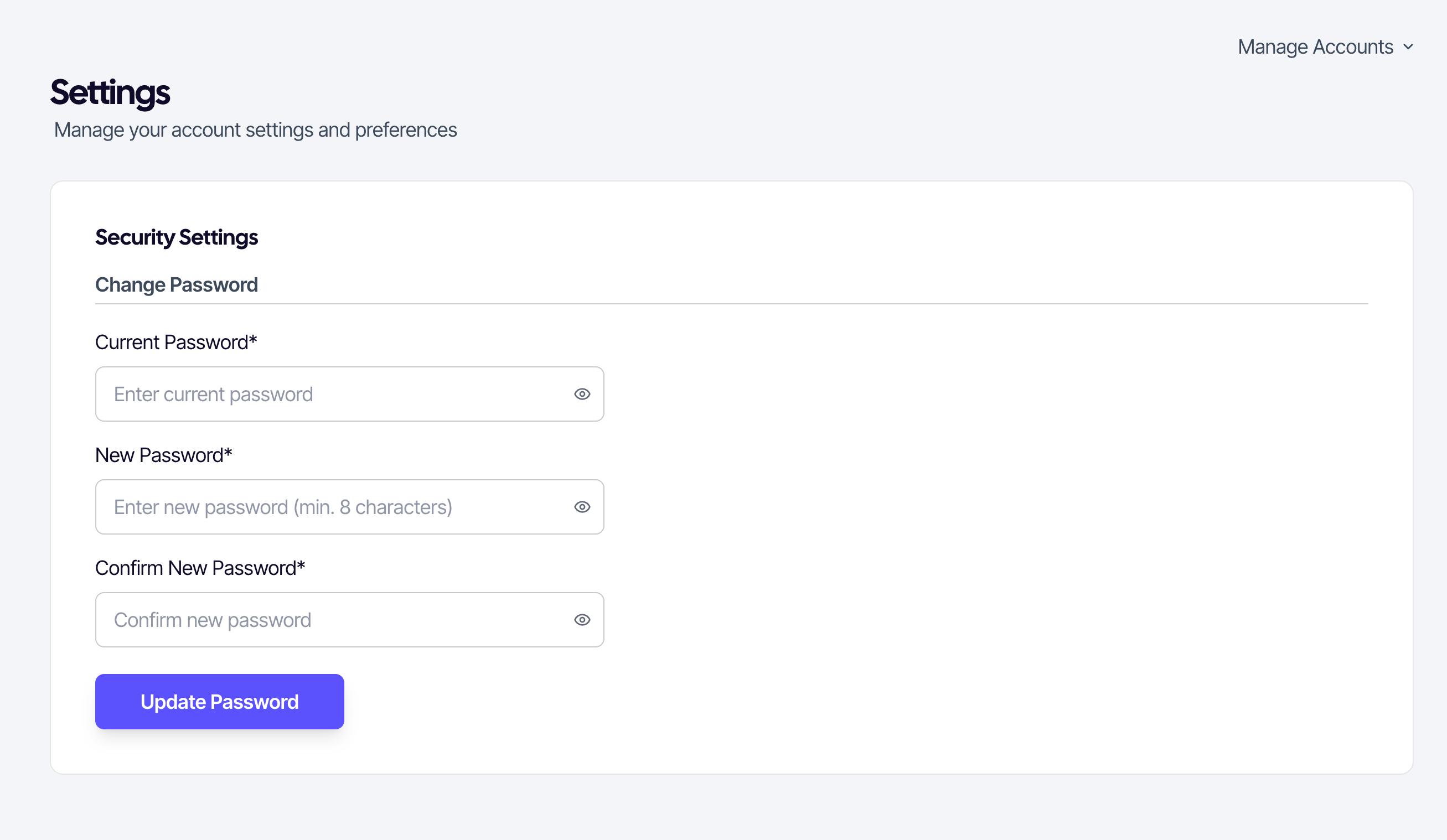
Changing your password
- Open Settings from the seller menu.
- In the Change password section, enter your current password.
- Enter a new password at least 8 characters long.
- Re-enter it under Confirm password.
- Click Update password.
SUQO confirms inline as you type whether the new password matches the confirmation. The eye icons on each field let you reveal what you've typed.
If you forgot your current password
You can't change a password without the old one here. Use the password reset flow instead — it sends a verification code to your phone and lets you set a new password without the old one.
Security note: SUQO never sends your password by SMS or email. If you receive any such message, ignore it.