

Logging in
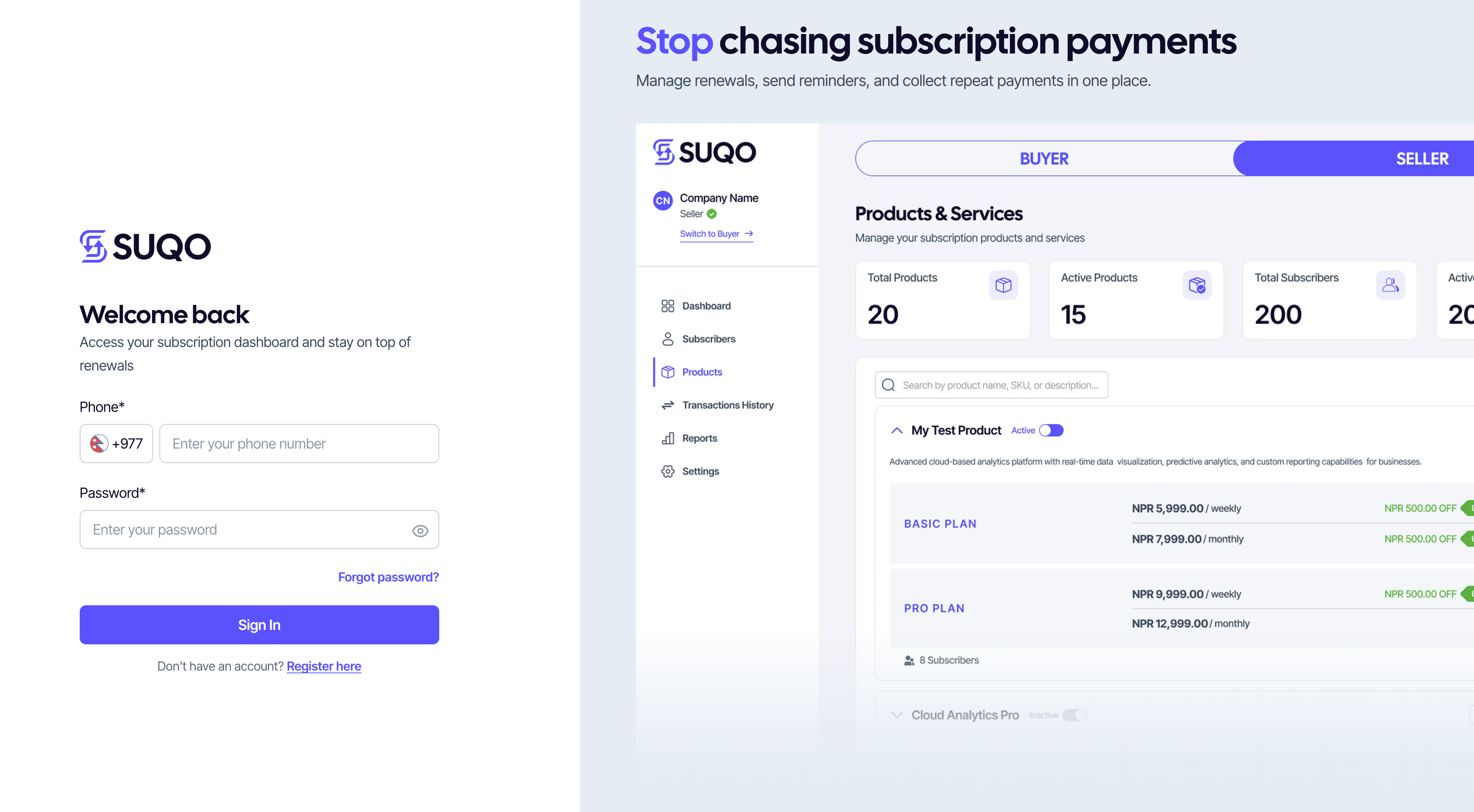
Sign in with the phone number you registered and your password. After login, SUQO routes you to the dashboard that matches your last switched role (seller or buyer).
Step-by-step
- Click Login in the top-right of the SUQO site.
- Enter your phone number (10 digits, no country code).
- Enter your password. Use the eye icon to confirm what you typed.
- Click Login.
If your phone isn't verified yet
If you skipped or didn't complete OTP verification at signup, SUQO will send you to the verification screen automatically. Enter the code, then you'll arrive at the dashboard.
Where you land
- SUQO routes you to whichever role you used most recently. You can switch from the profile menu.
- For the first login, you will be directed to the buyer dashboard from which you can always switch from the switch button on the sidebar.
Forgot your password
The login form has a Forgot password? link below the password field. See Resetting your password for the full reset flow.
Logged out unexpectedly
For security, SUQO can sign you out automatically after long periods of inactivity. If that happens, you'll see a small message on the login screen explaining why; just sign in again.
Tip: Sellers and buyers share the login form.
Don't worry about picking the right "type" — SUQO figures that out from your account.