

Settings
Buyer settings cover account security. Today, this means changing your password.
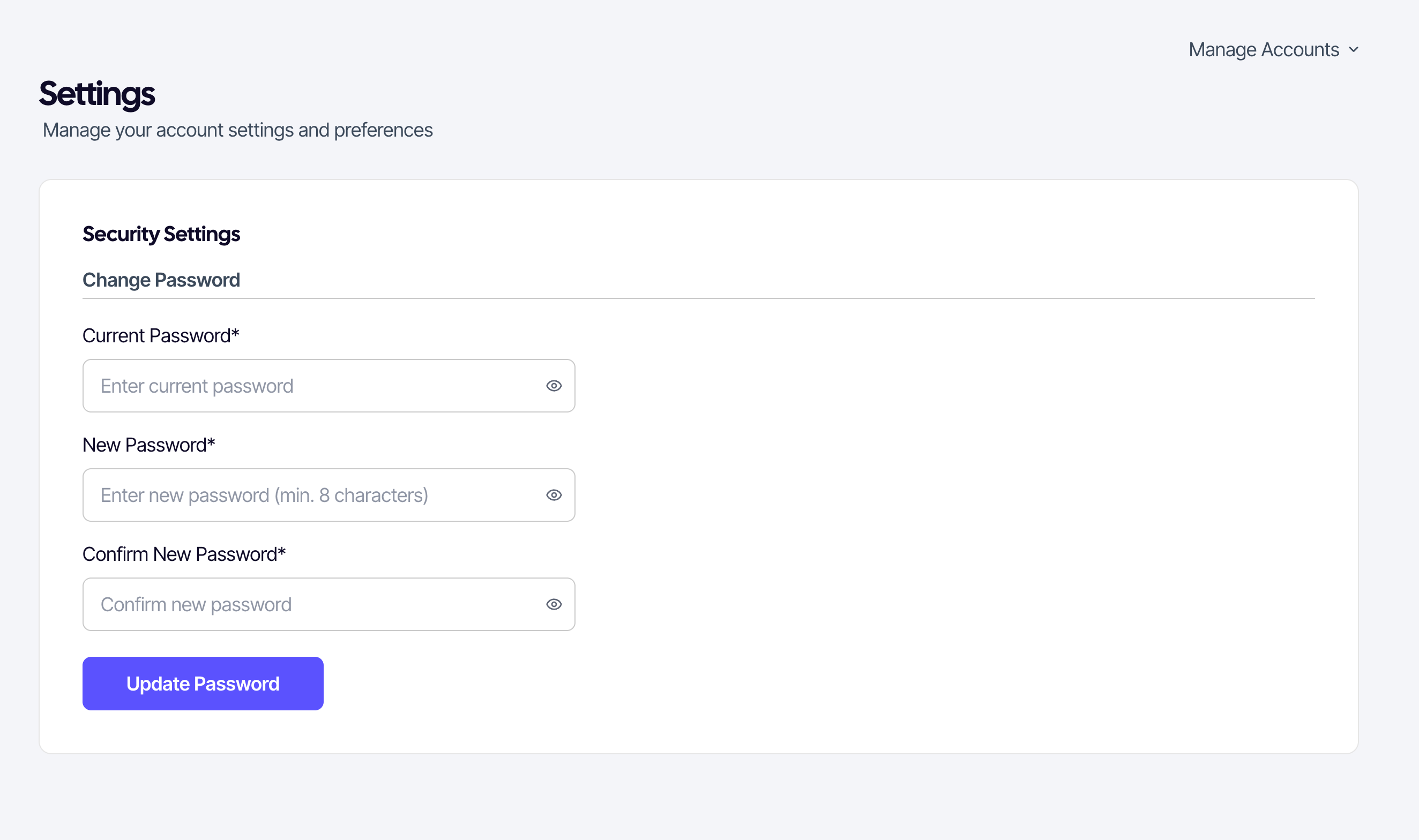
Changing your password
- Open Settings from the buyer menu.
- Enter your current password.
- Enter a new password at least 8 characters long.
- Re-enter it under Confirm password.
- Click Update password.
If you forgot your current password
Use the password reset flow. It sends a verification code to your registered phone — you don't need the old password.
Security: SUQO never asks for your password by SMS or email. If you receive any such request, ignore it.